Woiden IPv4 IPv6双栈VPS V2Ray梯子 装Cloudflare WARP Socks代理 解决Google人机验证问题 Youtube不能评论的问题
如果你的小鸡已经是IPv4 IPv6双栈, 而且不管设置走IPv4或IPv6来都会遇到Google人机验证问题。那么你可以通过走Cloudflare WARP Socks代理来解决。
update
如果是youtube不能评论, 也可以用同样操作解决.
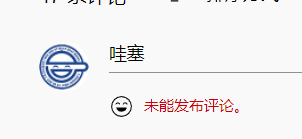
update:
如果想youtube不走warp,只让google走warp
update:
解锁GPT本质上是一样的, 只是把
"geosite:google"
改为
"geosite:openai"
参考
https://owo.misaka.rest/xui-routing/
https://owo.misaka.rest/warp-linuxclient/
操作之前
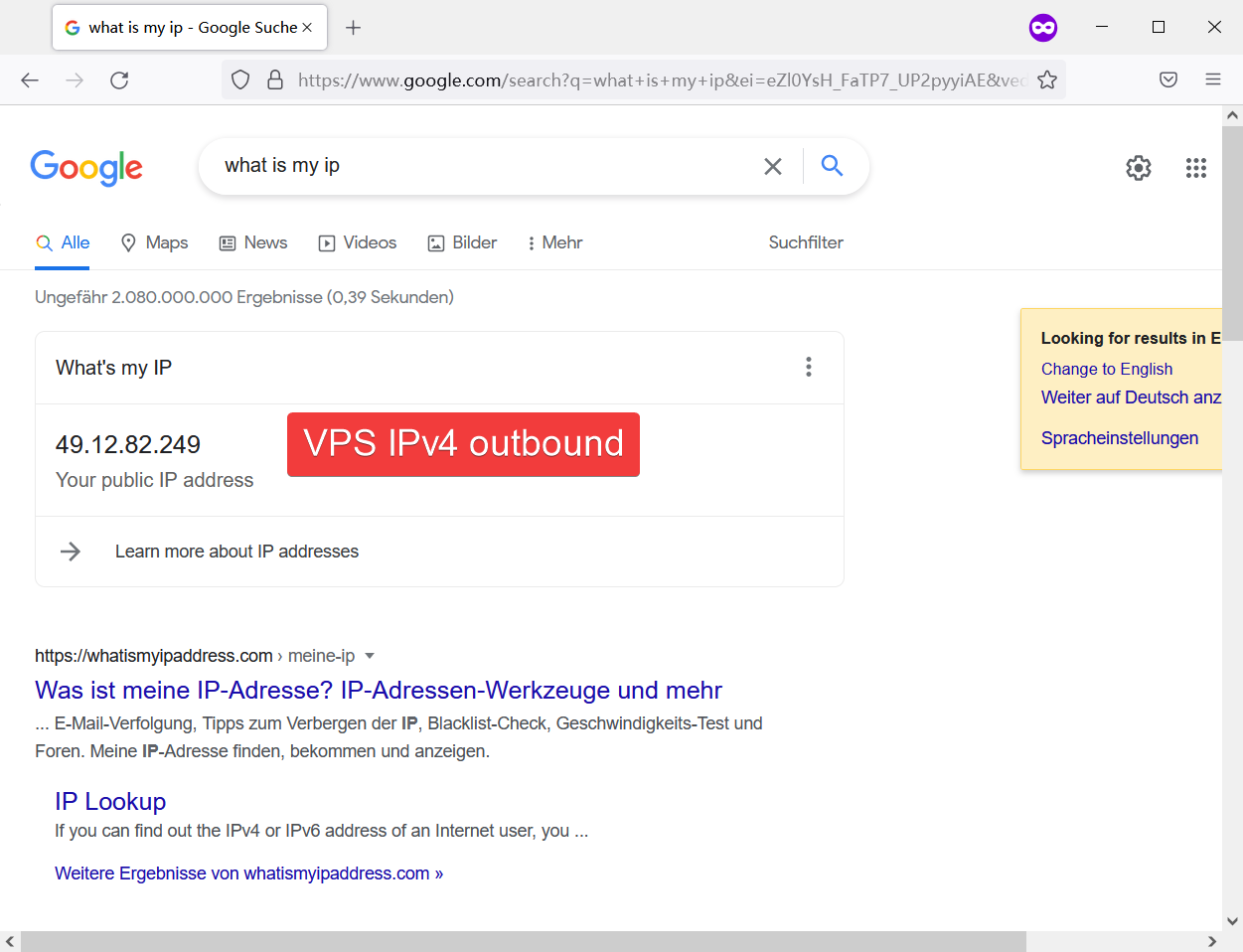
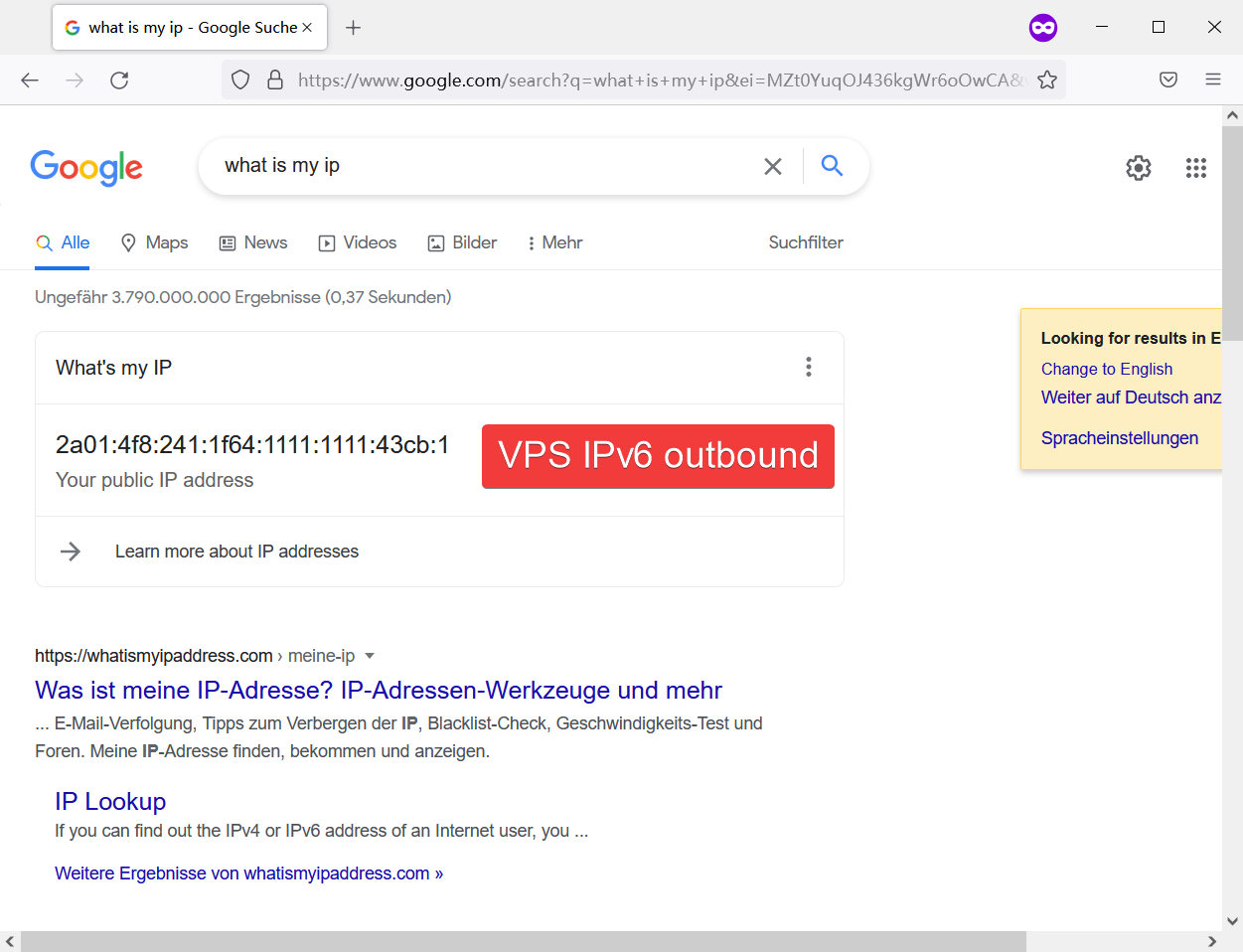
通过修改config.json来指定走IPv4或IPv6访问Google, 效果如下:
操作过程
1. 安装Cloudflare WARP Socks代理
bash <(curl -fsSL https://gitlab.com/fscarmen/warp/-/raw/main/menu.sh) w
2. 修改config.json
* 如果你不知道config.json在什么位置,可以用find命令找一下
find / -name "config.json"
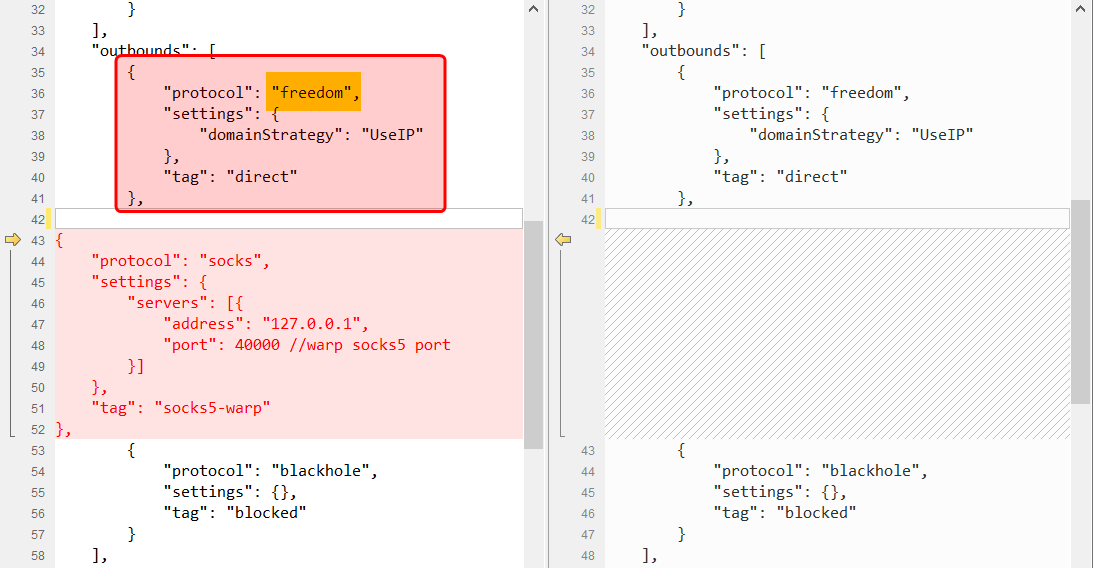
在outbounds里增加一段
{
    "protocol": "socks",
    "settings": {
        "servers": [{
            "address": "127.0.0.1",
            "port": 40000 //warp socks5 port
        }]
    },
    "tag": "socks5-warp"
},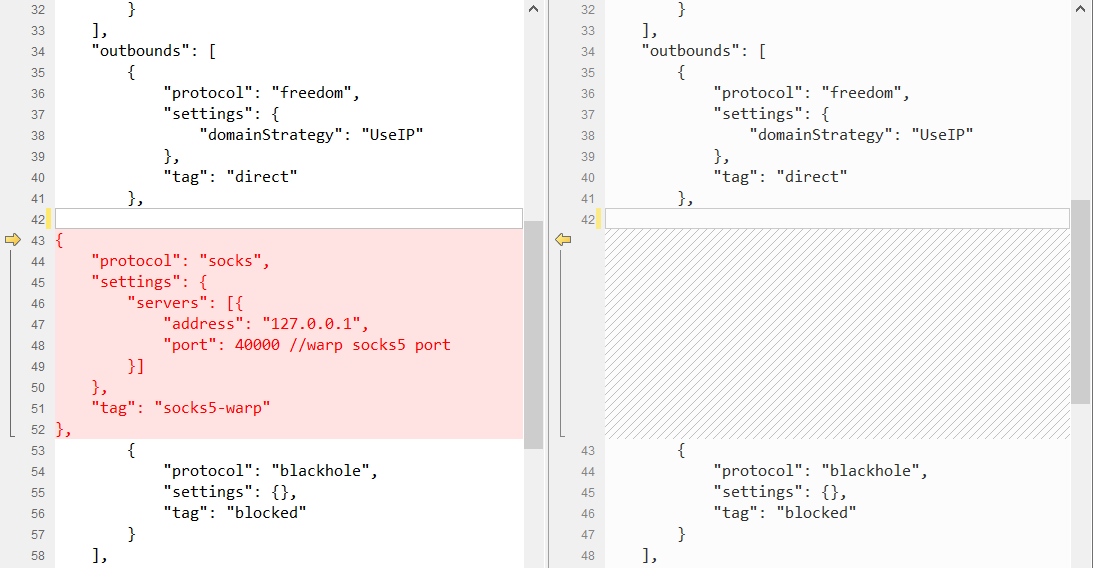
* 注意, 没有匹配到路由规则的数据会走outbound列表的第一条出去. 所以请注意保持outbound列表的第一条为 freedom
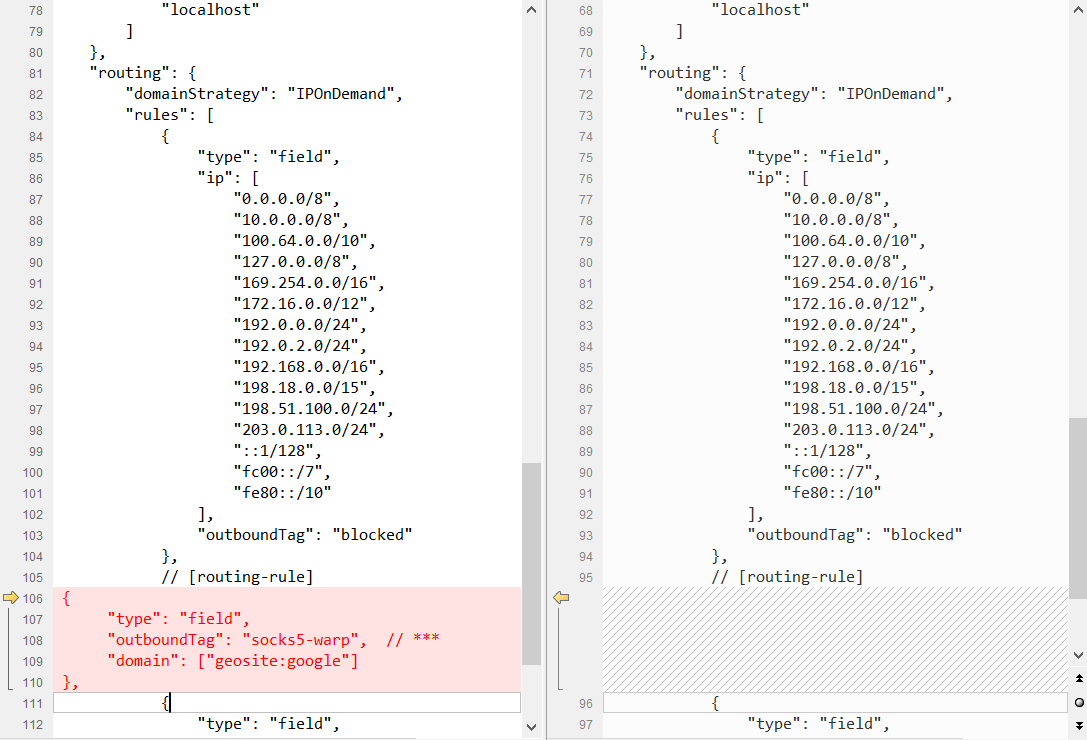
在routing的rules里增加一段
{
	"type": "field",
	"outboundTag": "socks5-warp",  // 这个tag和"outbounds"判断的tag名字一样
	"domain": ["geosite:google"] // google 单独走一个outbound
},
检查一下配置文件格式是否正确
/usr/local/bin/v2ray -config /usr/local/etc/v2ray/config.json -test
重启v2ray
service v2ray restart
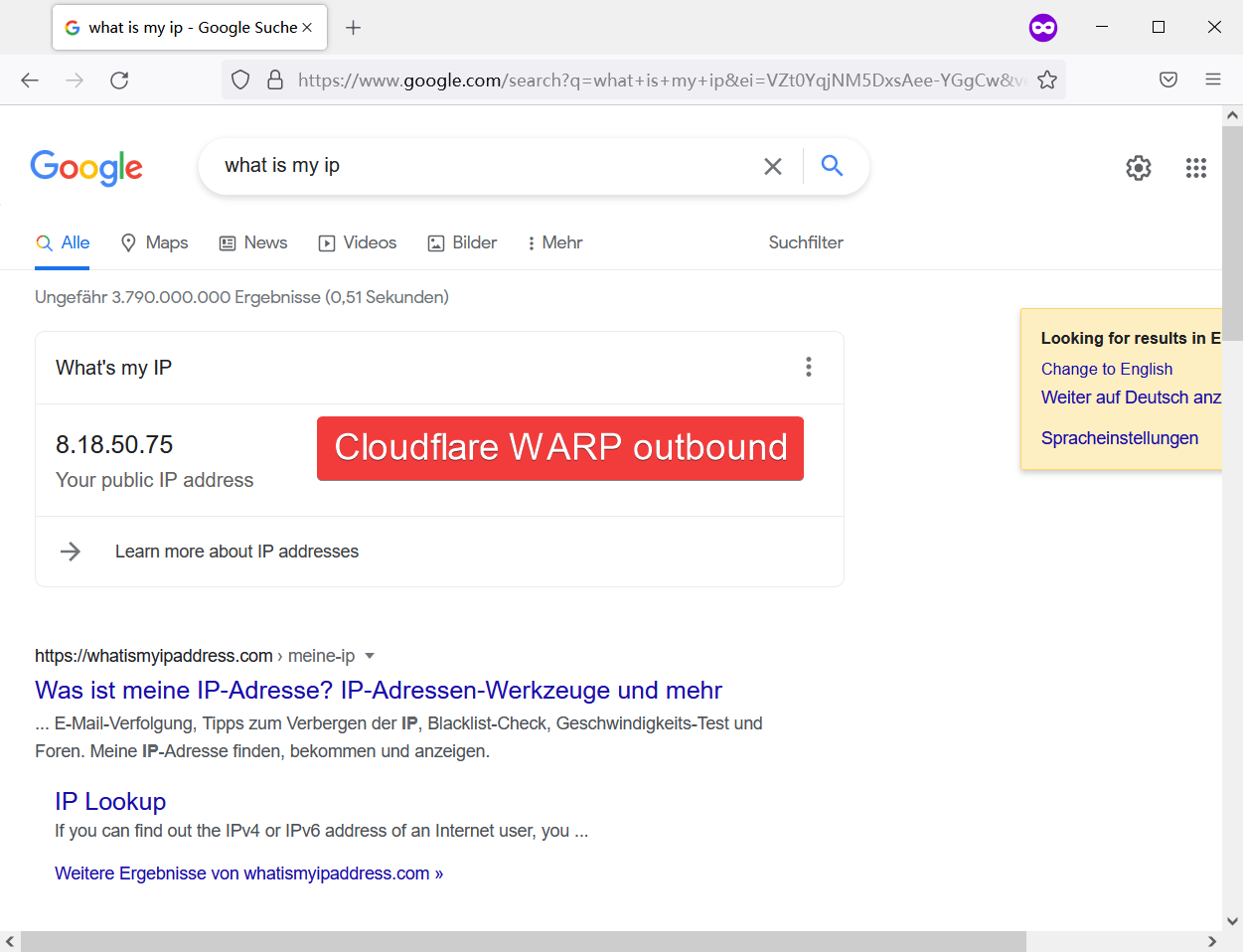
结果
访问Google的IP地址变为Cloudflare WARP的出口.
=======================
完
=======================
后记
如果你想分流比如Netflix的流量,只要你把routing的rules里domain的判断条件改成Netflix就可以了
{
	"type": "field",
	"outboundTag": "socks5-warp",  // 这个tag和"outbounds"判断的tag名字一样
	"domain": ["geosite:netflix"] // 红色部分
},
如果你想特别的处理某个网站的流量,你也可以直接使用网站的域名,像这样:
  "domain": [
    "baidu.com",
    "qq.com"
  ]
(参考 https://www.v2ray.com/chapter_02/03_routing.html#ruleobject )
=======================
=======================
一个
{ // VLESS + WebSocket + TLS
    "log": {
        "access": "/var/log/v2ray/access.log",
        "error": "/var/log/v2ray/error.log",
        "loglevel": "warning"
    },
    "inbounds": [
        {
            "listen": "127.0.0.1",
            "port": 54798,             // ***
            "protocol": "vless",
            "settings": {
                "clients": [
                    {
                        "id": "d21d18f5-ab60-4b12-9a2a-6154531d42e5",             // ***
                        "level": 1,
                        "alterId": 0
                    }
                ],
                "decryption": "none"
            },
            "streamSettings": {
                "network": "ws"
            },
            "sniffing": {
                "enabled": true,
                "destOverride": [
                    "http",
                    "tls"
                ]
            }
        }
    ],
    "outbounds": [
        {
            "protocol": "freedom",
            "settings": {
                "domainStrategy": "UseIP"
            },
            "tag": "direct"
        },
        // [outbound]
{
    "protocol": "freedom",
    "settings": {
        "domainStrategy": "UseIPv4"
    },
    "tag": "force-ipv4"
},
{
    "protocol": "freedom",
    "settings": {
        "domainStrategy": "UseIPv6"
    },
    "tag": "force-ipv6"
},
{
    "protocol": "socks",
    "settings": {
        "servers": [{
            "address": "127.0.0.1",
            "port": 40000 //warp socks5 port
        }]
    },
    "tag": "socks5-warp"
},
        {
            "protocol": "blackhole",
            "settings": {},
            "tag": "blocked"
        }
    ],
    "dns": {
        "servers": [
            "https+local://8.8.8.8/dns-query",
            "8.8.8.8",
            "1.1.1.1",
            "localhost"
        ]
    },
    "routing": {
        "domainStrategy": "IPOnDemand",
        "rules": [
            {
                "type": "field",
                "ip": [
                    "0.0.0.0/8",
                    "10.0.0.0/8",
                    "100.64.0.0/10",
                    "127.0.0.0/8",
                    "169.254.0.0/16",
                    "172.16.0.0/12",
                    "192.0.0.0/24",
                    "192.0.2.0/24",
                    "192.168.0.0/16",
                    "198.18.0.0/15",
                    "198.51.100.0/24",
                    "203.0.113.0/24",
                    "::1/128",
                    "fc00::/7",
                    "fe80::/10"
                ],
                "outboundTag": "blocked"
            },
            // [routing-rule]
 {
      "type": "field",
      "outboundTag": "socks5-warp",  // ***
      "domain": ["geosite:google"]
 },
            {
                "type": "field",
                "protocol": [
                    "bittorrent"
                ],
                "outboundTag": "blocked"
            }
        ]
    }
}

 博文
博文


